Your plan doesn't include white-label branding, so these fields show FPP's plain defaults instead of your saved branding. Your branding is still saved and will come back automatically if you upgrade.
White Labeling
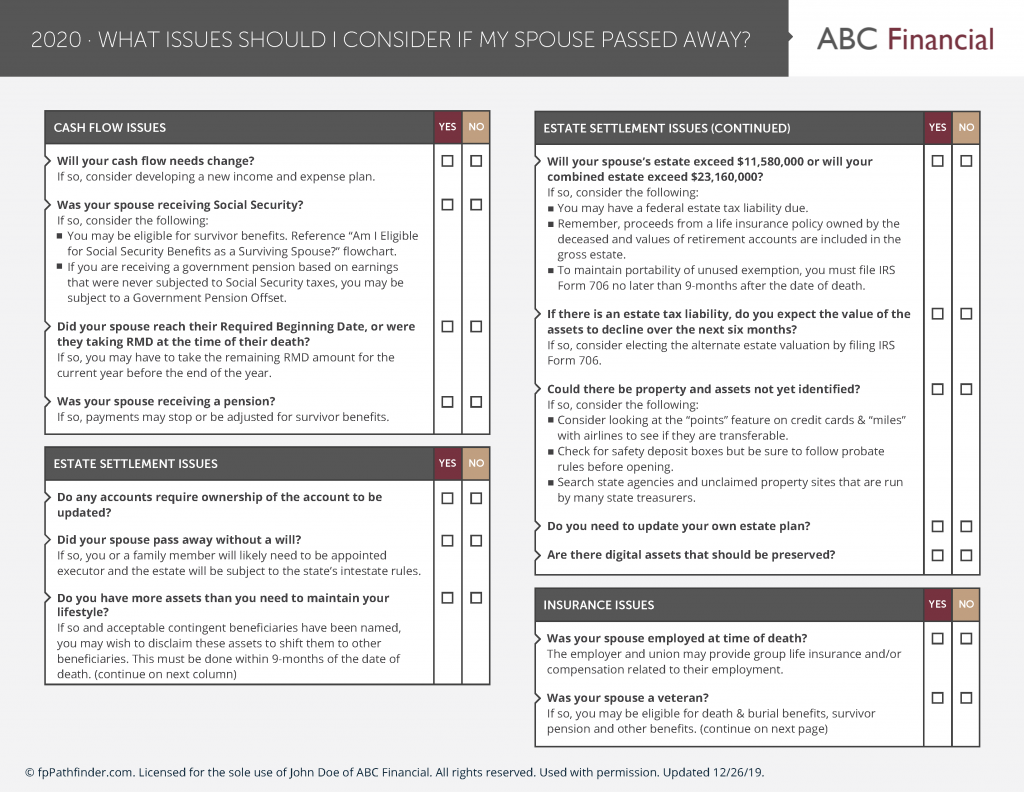
Add your business name, logo and colors to your downloads.
Back Page
Add a customizable back page to your guides for disclosures, additional information, or other firm-specific content.
Set by your group — this is what shows for you
Showing your group's default — edit to make it your own
Set by your group — this is what shows for you
Showing your group's default — edit to make it your own
Choose a preset palette, or switch to Custom to set each color yourself.
Using a preset palette — choose Custom to edit individual colors.
Set by your group — this is what shows for you
Showing your group's default — edit to make it your own
Shown in the colored bar at the top of the back page in both the preformatted and custom layouts.
Set by your group — this is what shows for you
Showing your group's default — edit to make it your own
Set by your group — this is what shows for you
Showing your group's default — edit to make it your own
Set by your group — this is what shows for you
Showing your group's default — edit to make it your own
This editor won't match the final layout exactly — check the live preview below (or Preview example guide) to see how it will really look. You can also paste raw HTML using the toolbar's source (</>) button.
Set by your group — this is what shows for you
Showing your group's default — edit to make it your own
Set by your group — this is what shows for you
Showing your group's default — edit to make it your own
Set by your group — this is what shows for you
Showing your group's default — edit to make it your own
Set by your group — this is what shows for you
Showing your group's default — edit to make it your own
Set by your group — this is what shows for you
Showing your group's default — edit to make it your own
Set by your group — this is what shows for you
Showing your group's default — edit to make it your own
Write the whole back page here — style it however you like. This editor won't match the final layout exactly — check the live preview below (or Preview example guide) to see how it will really look. You can also paste raw HTML using the toolbar's source (</>) button.
This is the actual download size. Content that runs past the first page continues onto the next page.
This back page will not be included in downloads because it is empty. Your name alone does not add a back page. Add a title, body, job title, address, email, phone or website to include it.
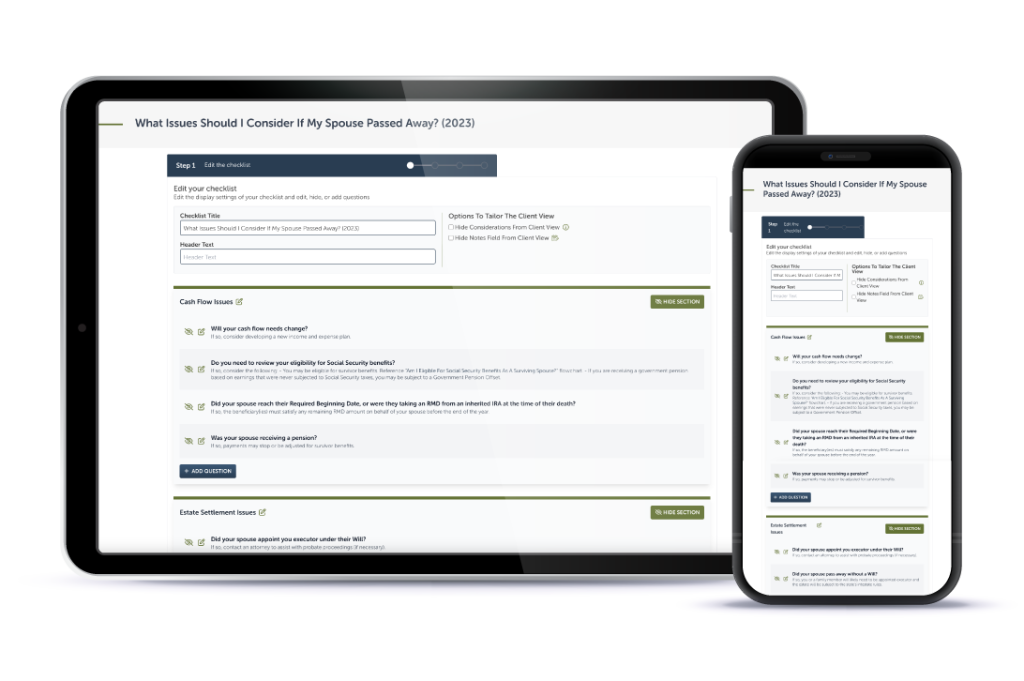
Interactive Checklist
What clients see when you share a checklist or resource link.
Set by your group — this is what shows for you
Set by your group — this is what shows for you
Set by your group — this is what shows for you
Set by your group — this is what shows for you
The real checklist page your clients see, with your branding applied.